Home / Use cases / AI LinkedIn headshots
AI LinkedIn headshots from a single selfie
Your LinkedIn photo is the first thing recruiters and clients see next to your name. Portrait AI turns one clear selfie into a business-style headshot on your iPhone, so you can update it today instead of booking a shoot.
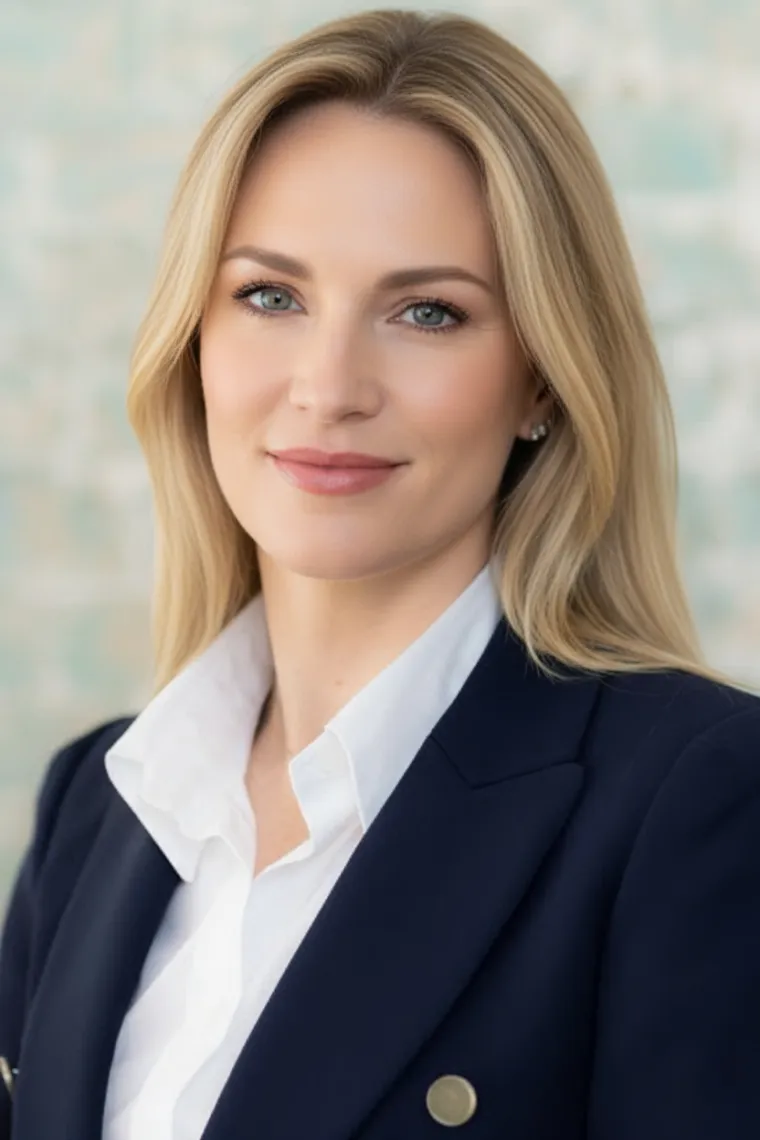
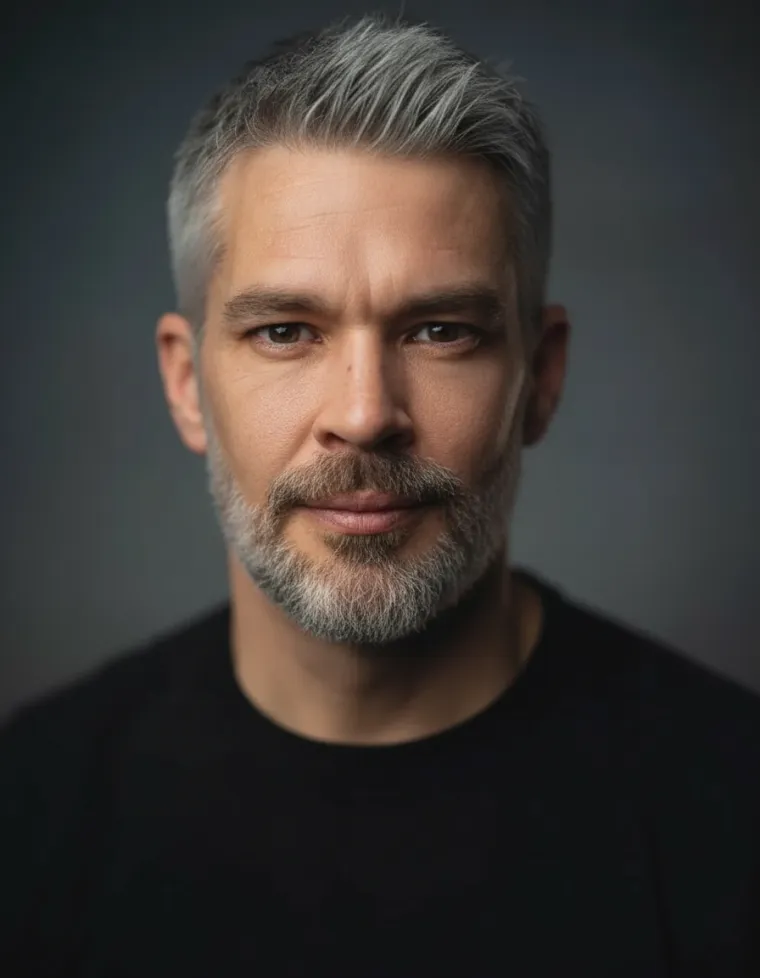
Sample portraits generated in the Portrait AI app.
What LinkedIn accepts
LinkedIn's Help Center lists the technical limits for profile photos. Portrait AI results are well above the minimum size, so you can upload them straight from your camera roll.
- File type: JPG or PNG (GIFs are not supported).
- Size: between 400 × 400 and 7680 × 4320 pixels.
- Maximum file size: 8 MB.
- LinkedIn allows illustrations or artistic renderings, but the photo must reflect your likeness.
What makes a LinkedIn photo work
LinkedIn shows your photo as a small circle in search results, comments and messages. A photo that works at that size usually has a few things in common:
- Your face fills most of the frame, with head and shoulders visible.
- A plain or softly blurred background, so nothing competes with your face.
- Even light on your face and a natural expression.
- Clothing you would actually wear to work in your field.
Keep it a true likeness
People will meet you on video calls and in person, so a profile photo should look like you on a good day, not like someone else. Start from a recent, sharp, front-facing selfie in good light, and pick a result that keeps your real features, hair and age. If a result changes how you look, generate again or choose a different style.
Using the same photo everywhere
Once you have a headshot you like, use the same image on LinkedIn, your email signature, Slack or Teams and your company bio. One consistent photo makes you easier to recognise across tools.
How it works in the app
- Download Portrait AI for Professionals on your iPhone (iOS 18.5 or later).
- Pick a style, such as business, office or studio.
- Add one recent, clear selfie and generate.
- Save the result you like to your camera roll and upload it.
What it costs
You can try it free in the app. After that, each portrait uses 1 credit: 100 credits are $9.99 and 1,000 credits are $89.99 (US prices; your local price is shown in the App Store). One-time packs, no subscription required.
FAQ
What size should a LinkedIn profile photo be?
LinkedIn accepts JPG or PNG files between 400 × 400 and 7680 × 4320 pixels, up to 8 MB. A square crop with your face near the centre works best because LinkedIn displays it in a circle.
Is an AI headshot allowed on LinkedIn?
LinkedIn says you can use an illustration or other artistic rendering, but your profile photo must reflect your likeness. Choose a result that clearly looks like you.
What selfie should I start with?
A recent, sharp photo of your face looking at the camera, in even daylight, without sunglasses or heavy filters. One good photo is enough to start.
Sources
Related use cases